Web + any TV · Tap lists and menu boards
Kegboard
Change a tap once. Every screen follows.
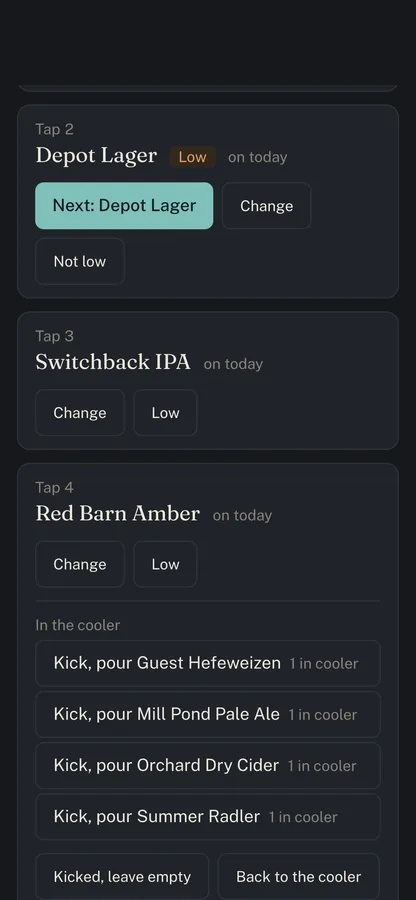
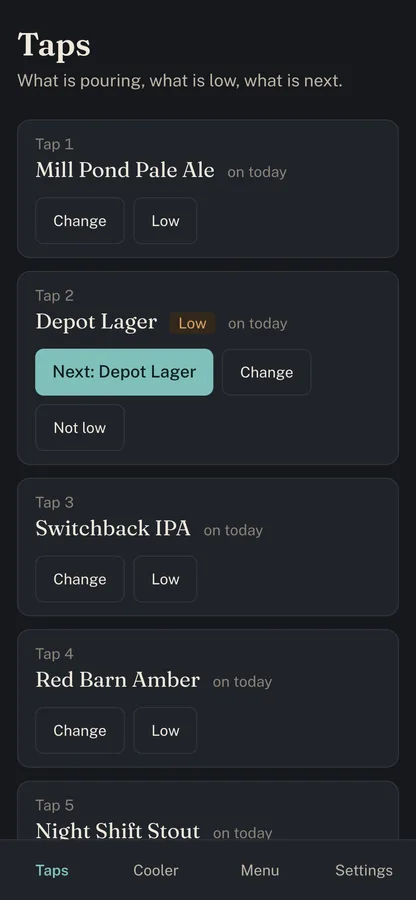
A tap list and drink menu for breweries, taprooms, and bars. Kick a keg from your phone and the TV over the bar, the QR menu on the tables, the menu on your website, and the printed sheet all change with it — within fifteen seconds, mid-service, with nobody touching the TV. Cocktails and food get the same care as the beer. Every screen is included.
The board
Your tap list, on the TV
over the bar.
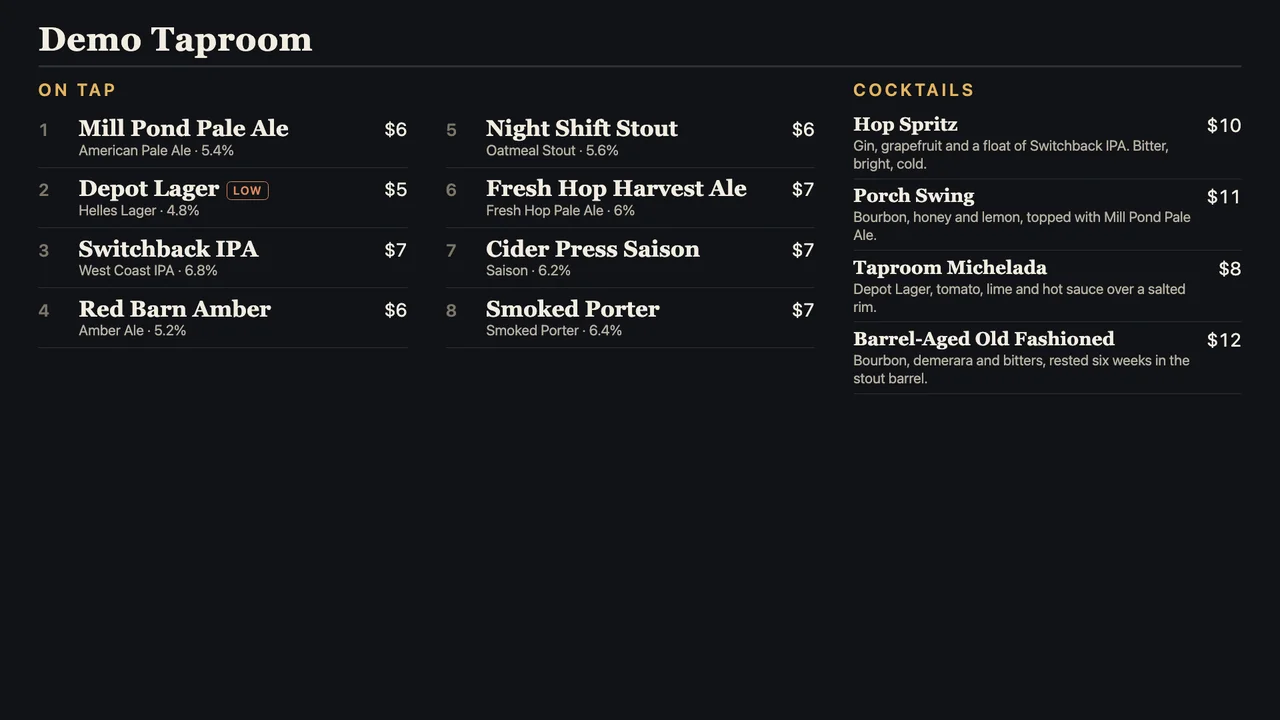
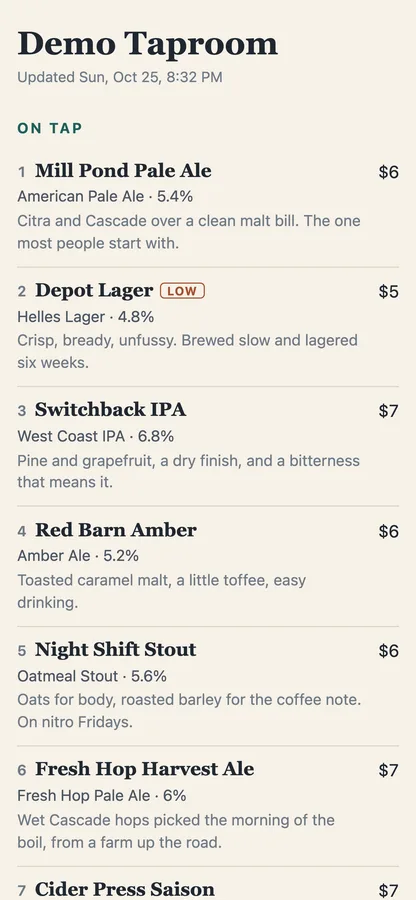
An example venue. Style, ABV, and price on every tap; a quiet LOW badge when a keg is running out; cocktails beside the beer, not on a second-class list.
What it does
Kegs in, taps on,
menus everywhere.
-
01 · Taps
Two taps from home
Keg on deck? Tap Next and it's pouring. Nothing lined up? Change lists every keg in the cooler and one more tap puts it on.
-
02 · Cooler
Real keg inventory
Receive a delivery by size and count, line kegs up for a particular tap, return the ones going back. See what kicked and how long each keg lasted.
-
03 · Menu
The rest of the bar
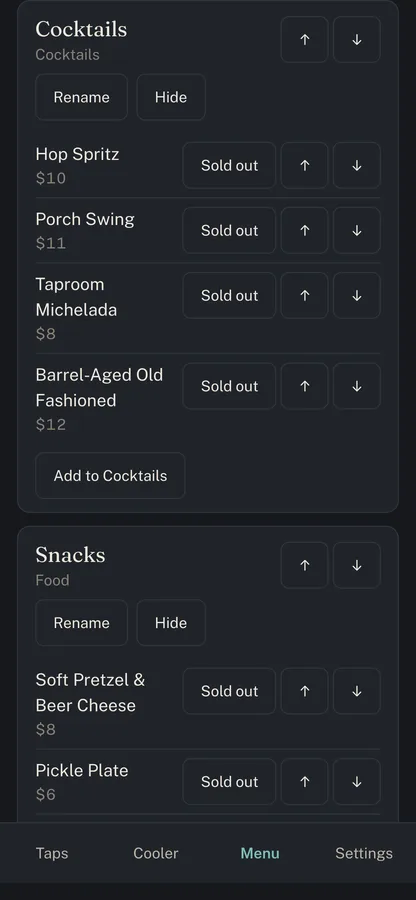
Cocktails, cans, wine, and food with the same fields, prices, and layouts as beer. No cap on items. Sold out in one tap, back on in one more.
-
04 · Screens
Any TV, no login
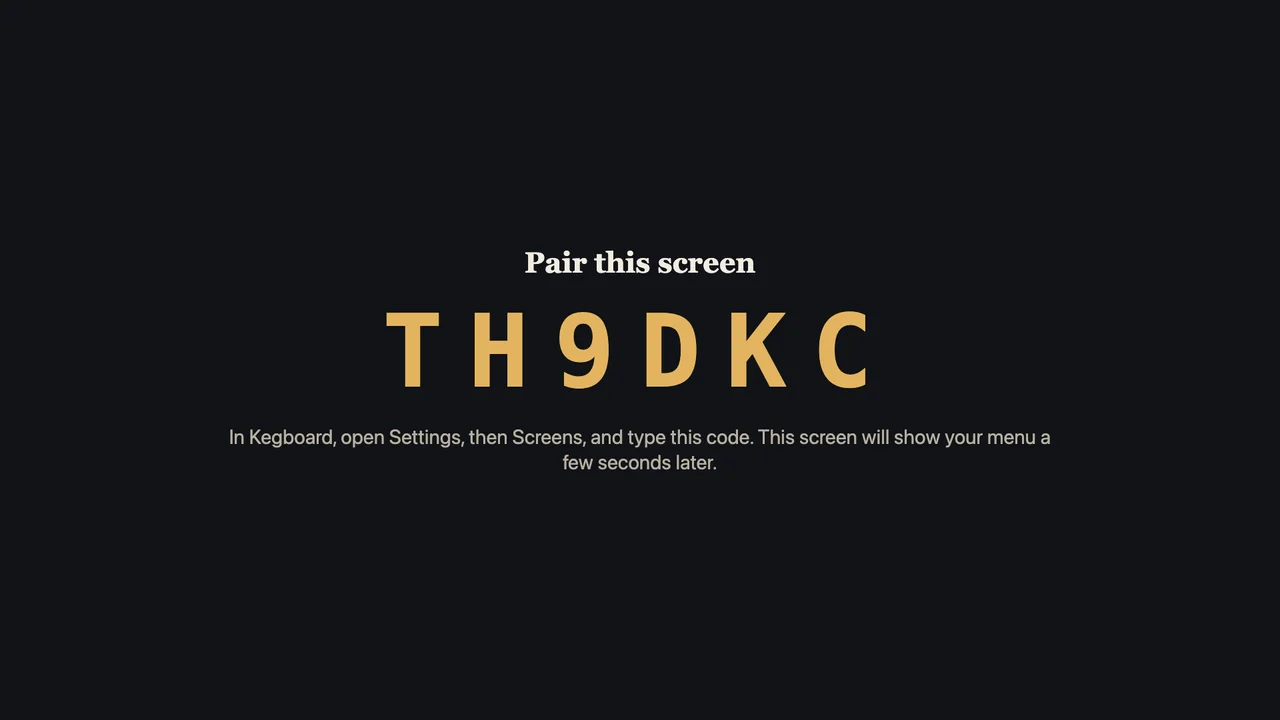
Open the pair page on a Fire TV Stick or any TV browser, type the six-character code into your phone, done. Choose the layout, dark or light, and what each TV shows.
-
05 · Guests
Phone, paper, website
A menu page for phones, a QR code for table tents, a clean printable sheet, and a snippet that puts the live menu on your own site.
-
06 · Import
Bring the menu you have
Paste a spreadsheet or sync from a GhostWriter website. Every import shows what it will change before it changes anything.
Setup
About ten minutes
per TV.
-
Step 01
Add your taps
Number them the way your bartenders call them. Receive the kegs you have, or import the menu you already keep.
-
Step 02
Pair the TV
Plug in a Fire TV Stick, open a browser to the pair page, and type the code it shows into Settings on your phone.
-
Step 03
Pour
From then on, the phone is the only thing anyone touches. The TV, the QR menu, and the website follow.
When the wifi drops
The board never
goes blank.
Bar wifi fails at the worst moment. Kegboard's board keeps the last menu it had and keeps showing it — through a dropped connection, even through a restart. A small "Updated 7:12 PM" appears in a corner until the network is back. No spinner, no error page, no browser dinosaur over the bar.
Each TV checks in every fifteen seconds, and Settings shows which ones are On now. Lose a TV, unpair it from your phone.
Plans
One price,
every screen.
Kegboard is setting up its first venues now, in and around Newton, NC. Ask for a demo and it can be on your TV the same week.